
Events
Deleting an Event
This chapter covers deleting an event.
How to Delete
To delete an event, from the event page in your organiser account select the "Settings" tab, then the "Actions" sub-tab
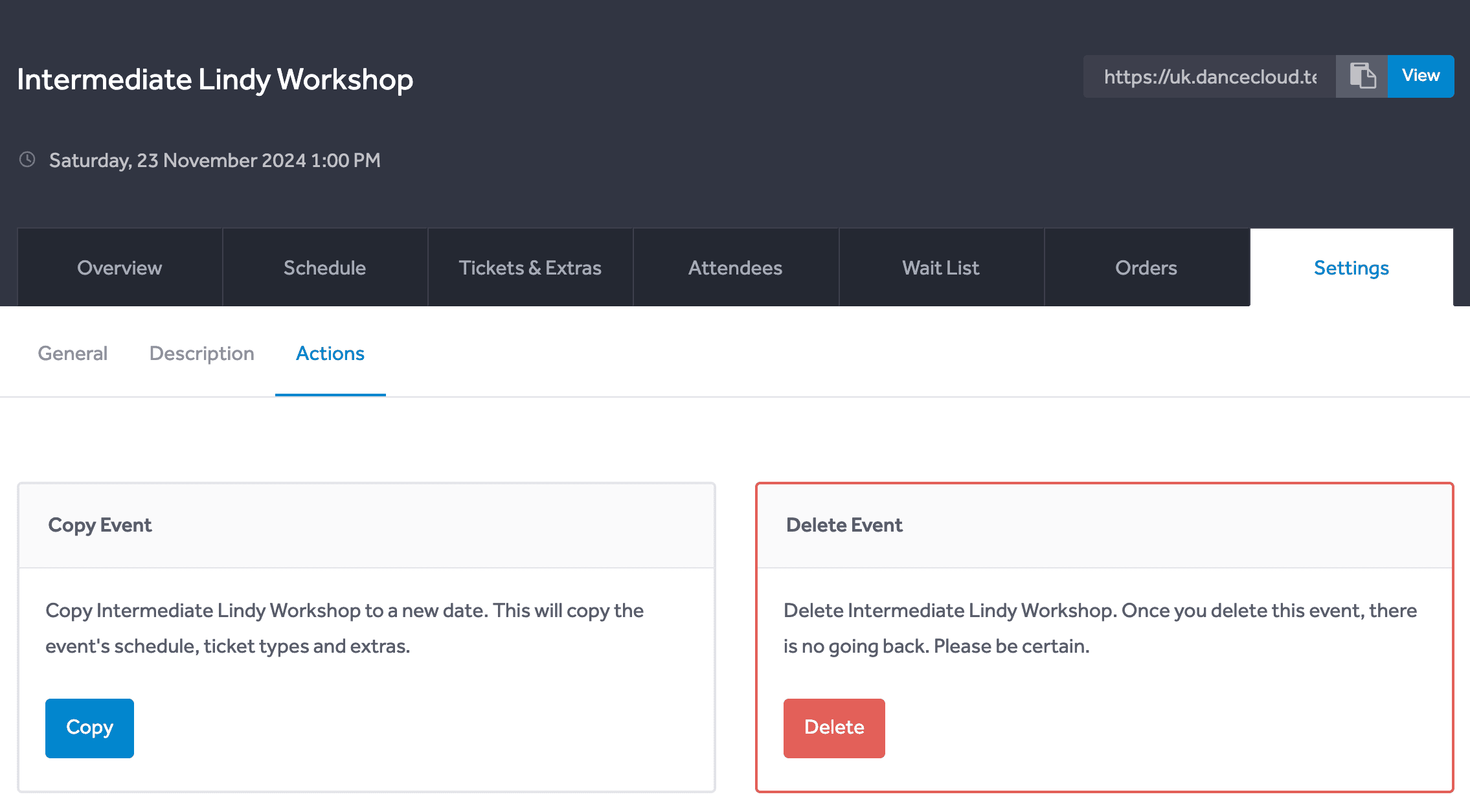
Use the red "Delete" button to delete the event. A modal will open, that will ask you to confirm the deletion.
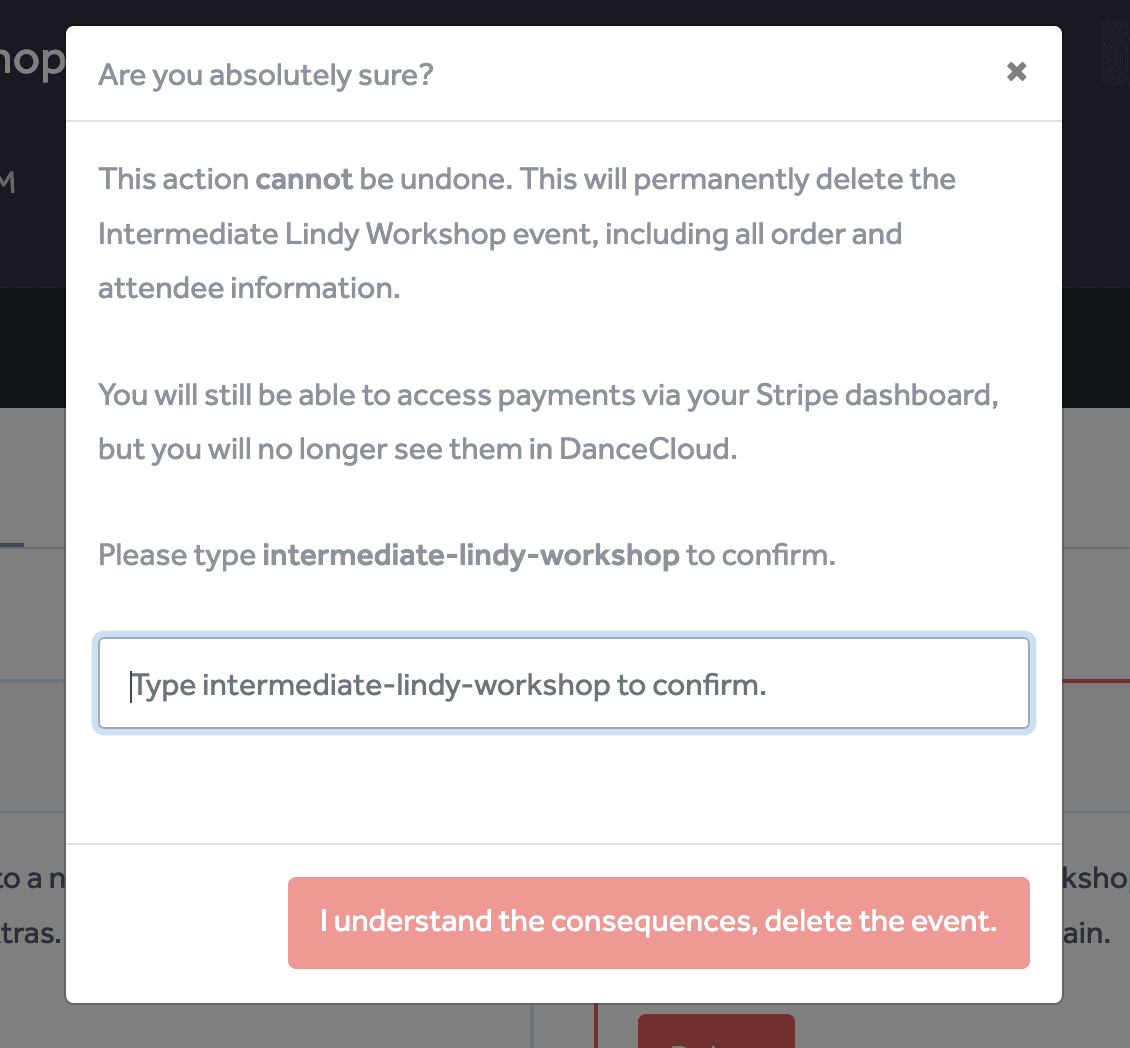
To confirm the deletion, enter the text (as described in the modal) into the input field. In the example above, the value to enter is intermediate-lindy-workshop.
Consequences
Deleting the event removes all data about the event from DanceCloud. This action cannot be reversed.
This means you will no longer have any order or attendee details for the event. Customers will no longer be able to see their orders or tickets for the event in their DanceCloud account.
Payment information will still exist in your Stripe account, and can be accessed via your Stripe Dashboard.